- Published on
A Personal Finance Mobile App Built with Flutter
- Authors

- Name
- Code Smarter
- @codesmarter_dev
In this article, I present a personal finance mobile application that I designed and developed with a clear goal in mind: to provide a simple, reliable, and flexible tool that works both offline and online.
This application is intended for anyone who wants to better understand their finances, track expenses and income, and clearly visualize how their budget evolves over time.
⚙️ Technical Stack
The application is built on a modern and proven stack:
- Flutter for cross-platform mobile development
- Firebase for secure authentication and data synchronization
- SQLite for local storage in offline mode
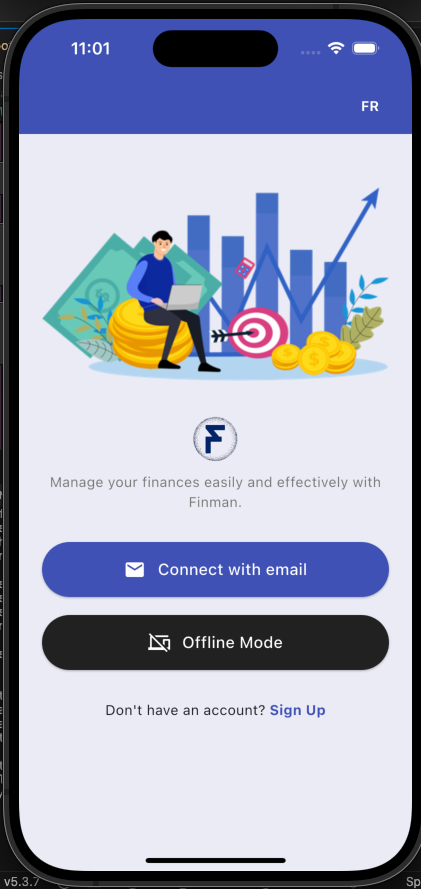
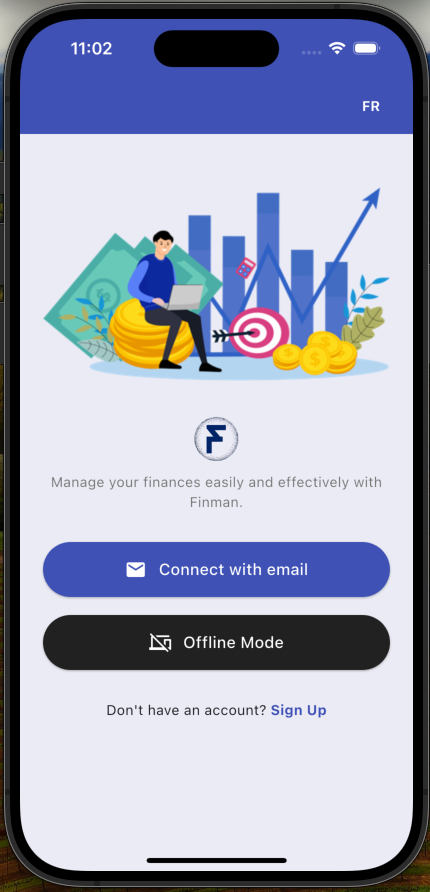
Two usage modes are available:
- Offline mode: all data is stored locally on the device
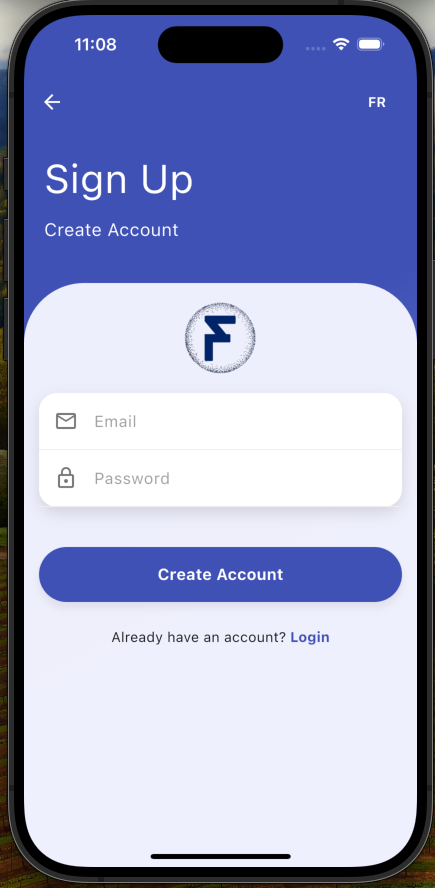
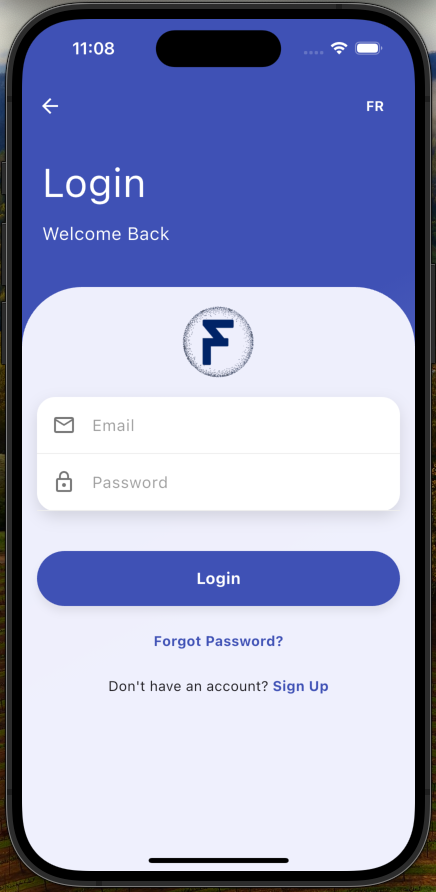
- Online mode: users can create an account and securely sync their data with Firebase, linked to their personal profile
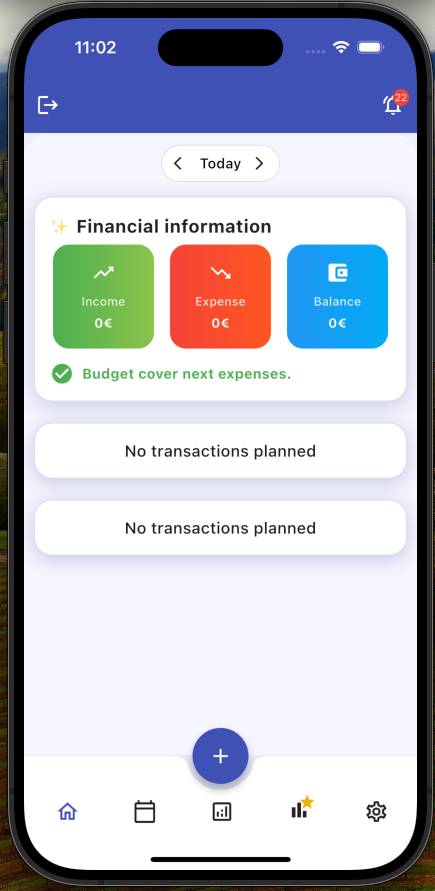
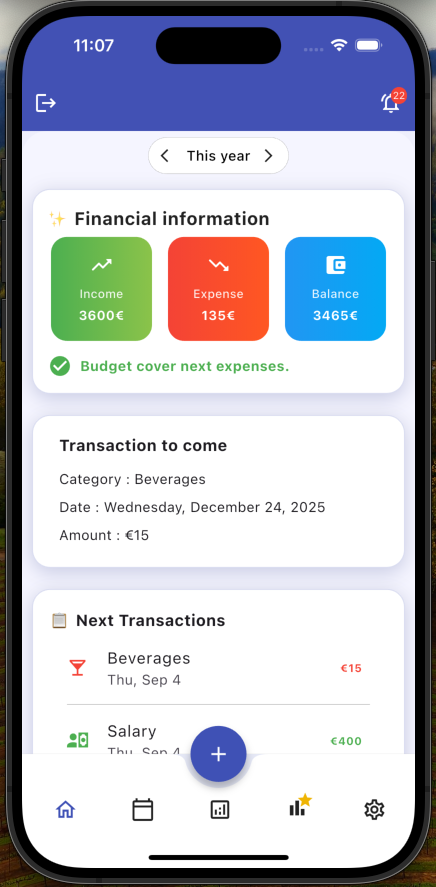
🏠 Home: an instant financial overview
The Home screen provides a clear and immediate view of the user’s financial situation.
Key features include:
- Financial tracking across multiple periods:
- today
- this week
- this month
- this year
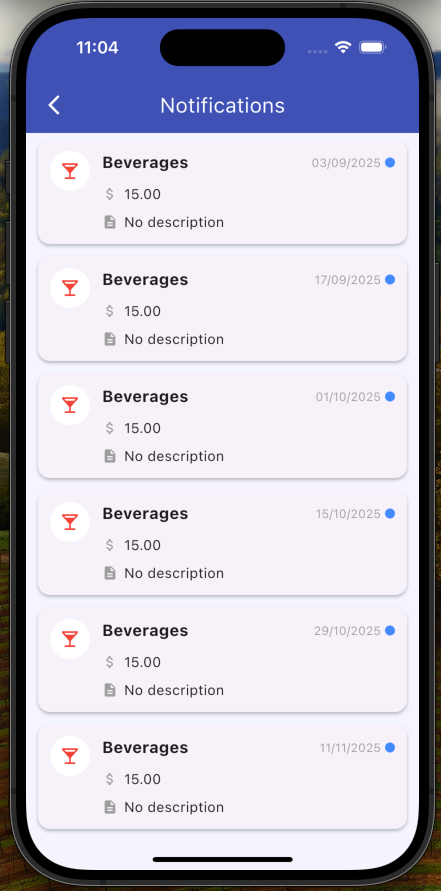
- Display of the next upcoming transaction
- A list of future transactions shown in the last section
The goal is to make financial insights accessible at a glance.
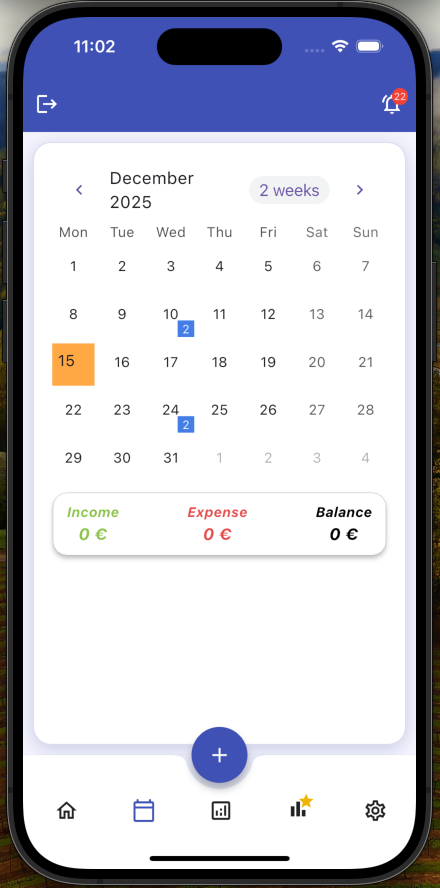
📅 Calendar: track transactions over time
The Calendar page offers intuitive time-based navigation:
- Select a specific day to view related transactions
- Choose the period displayed on the calendar
- Clearly visualize income and expenses on a day-by-day basis
This view is especially useful for identifying spending patterns.
📊 Simple statistics
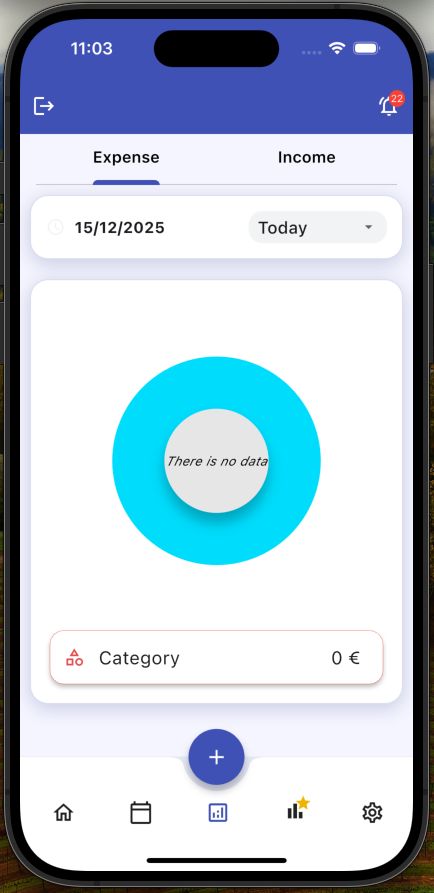
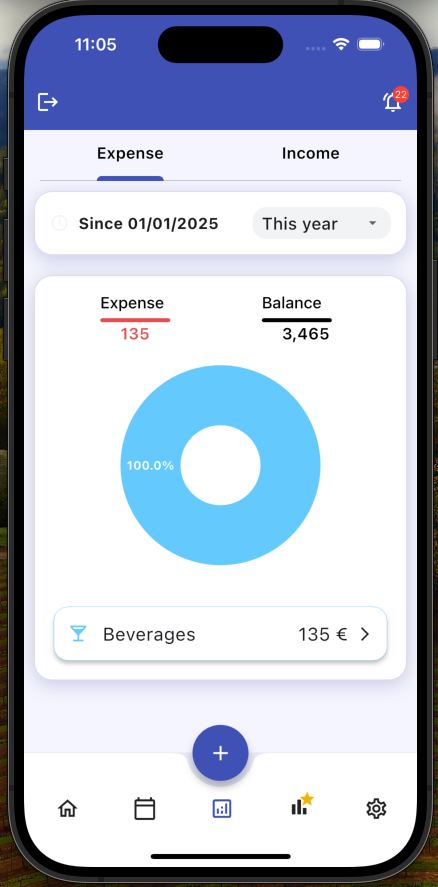
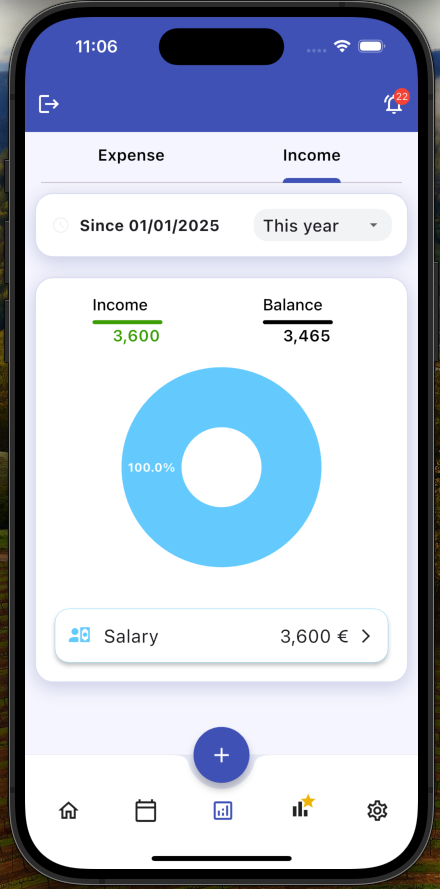
The simple statistics page is divided into two tabs:
- Expenses
- Income
For each tab:
- The period can be selected
- A visual chart displays percentages relative to the current balance
- Information is intentionally concise for quick understanding
📈 Advanced statistics
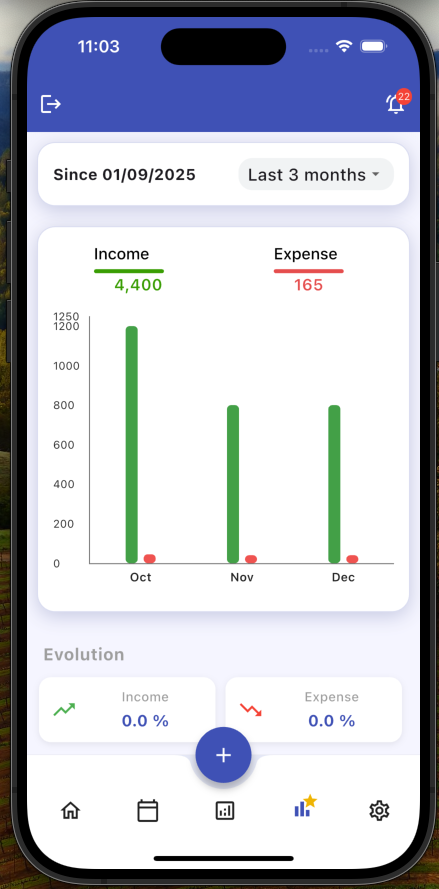
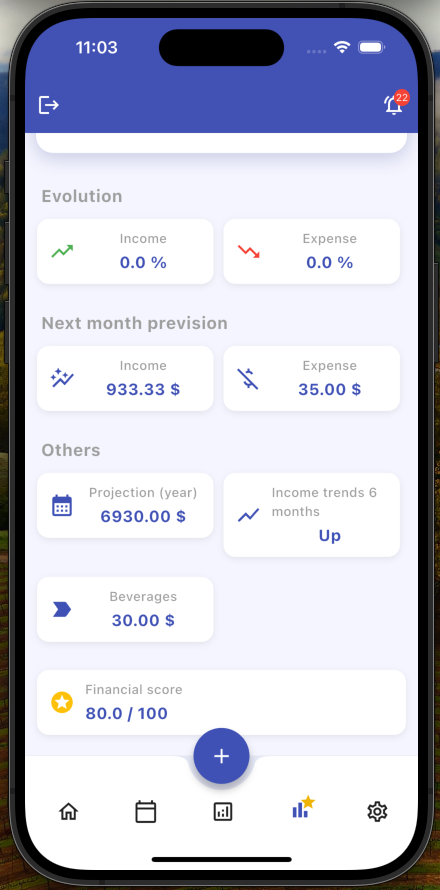
The advanced statistics page provides deeper financial analysis.
It includes:
- A bar chart comparing income and expenses over the selected period
- Additional insights:
- financial trends
- forecasts and projections
- an overall financial score
This section is designed for users who want to anticipate and plan ahead.
⚙️ Settings
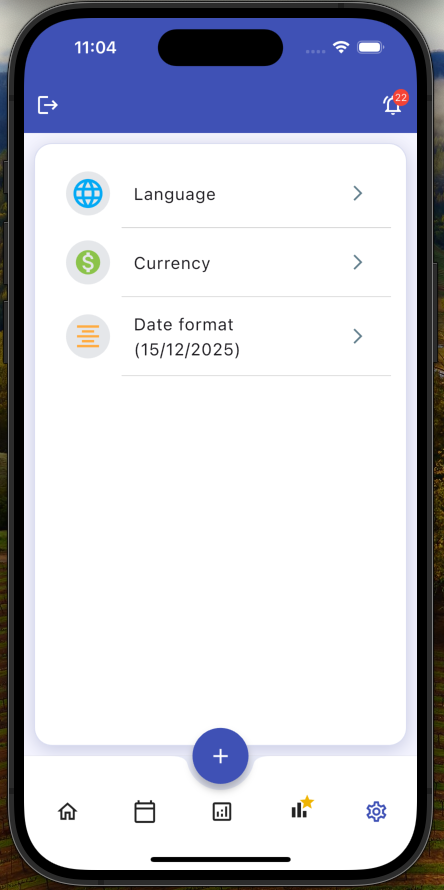
The Settings page allows users to personalize the application:
- Change the language
- Select the currency
- Configure the date format used throughout the app
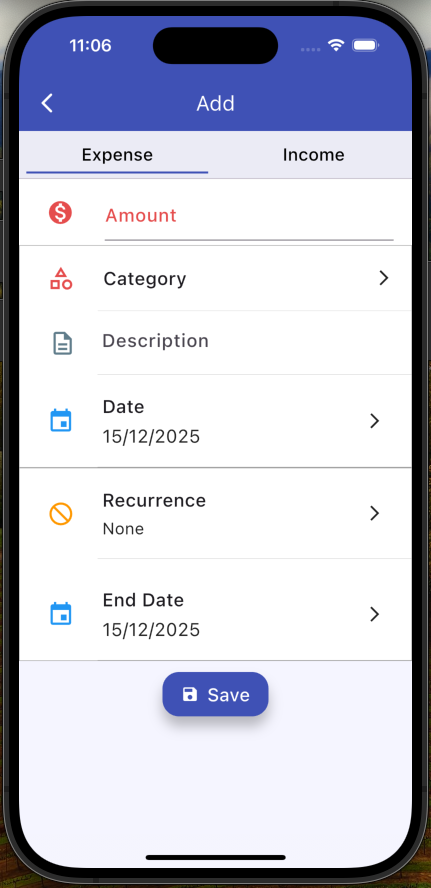
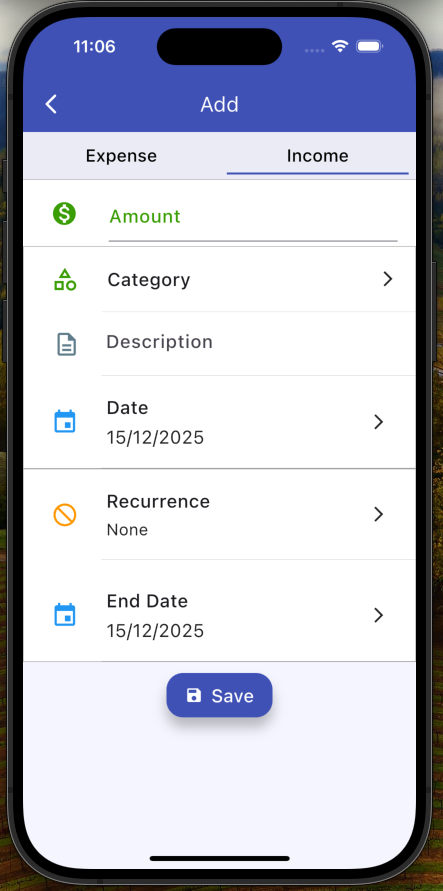
➕ Plus Button: add transactions easily
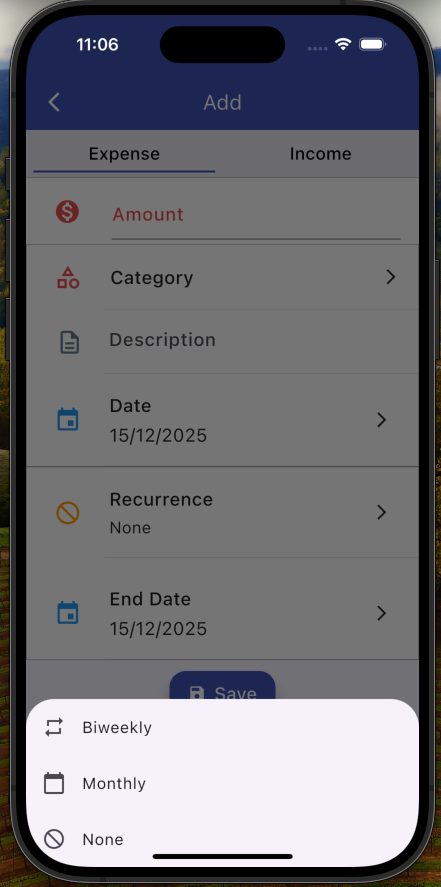
The Plus button is the main entry point for adding new data:
- Add an expense or income
- Define the transaction occurrence (one-time or recurring)
- Choose from predefined categories for both expenses and income
🚀 Conclusion
This application is the result of a strong focus on user experience and technical quality. It continues to evolve with new features and ongoing improvements.
If you are a developer, interested in personal finance, or simply curious, feel free to follow the future updates of this project on the blog.